« Posts under Repair Logs

Virtual Boy repair log

Got a Virtual Boy the other day with the Flash Boy Plus cartridge.
The unit worked fine with the Red Alarm game that was already on the cart but when I changed the game to Bound High I was greeted with a solid red screen. The music played and I could run the game blind but that was no use.

I reflashed with Red Alarm and after a couple of screen artifacts in the left screen the game played fine.
After a quick Google around it turns out that this can and will happen to every Virtual Boy made and occurs when the glue holding the FCC ribbon deteriorates so that connections become unreliable.
There are a couple of different fixes for this. One is to strip the plastic back and solder the very fine connections directly onto the board which is a permanent fix, the other is to but the little module into the oven at about 80 degrees C for a couple of minutes then apply pressure to the cable afterwards in the hope that the glue will reset making a nicer connection. This is not a permanent fix but will get you away. The later method is what i opted to do as I’m pretty lazy and dont have the chemicals needed to dissolve the plastic.

The first hurdle is actually getting into the unit as Nintendo kept with the same gamebit screws they used for other devices but they also stuck them down a deep hole so standard gamebit drivers cannot normally reach as they are too fat.
The solution is to make your own from a flat blade driver. I used my milling machine to cut it down and cut a groove in the end. Its certainly not pretty but worked perfectly.

On opening the ribbon cables are on either side of the unit and is held in at the board by 2 little crosshead screws. DO NOT try removing the 2 bigger screws near by, they control alignment.


The top of the cable just pulls out (carefully!).

Get a bit of tin foil, sit the offending article onto said foil, preheat the oven to around 80 degrees C and bake for around 1.5 – 2 minutes.
After its done remove it (its not hot) and rub or apply pressure onto the connection side until its sufficiently cooled and the glue will have reset.
After this, take some sticky tape and apply it to the area wrapping it round so that it applies a little pressure onto the connection.
Refit and test.
This worked perfect for me and many other people have said the same thing.

Time to waste my weekend playing some headache inducing goodness

VIC20 repair log

Got Stiggys other VIC20 the other day, it wont load anything via the serial port and just reports back “DEVICE NOT PRESENT”.
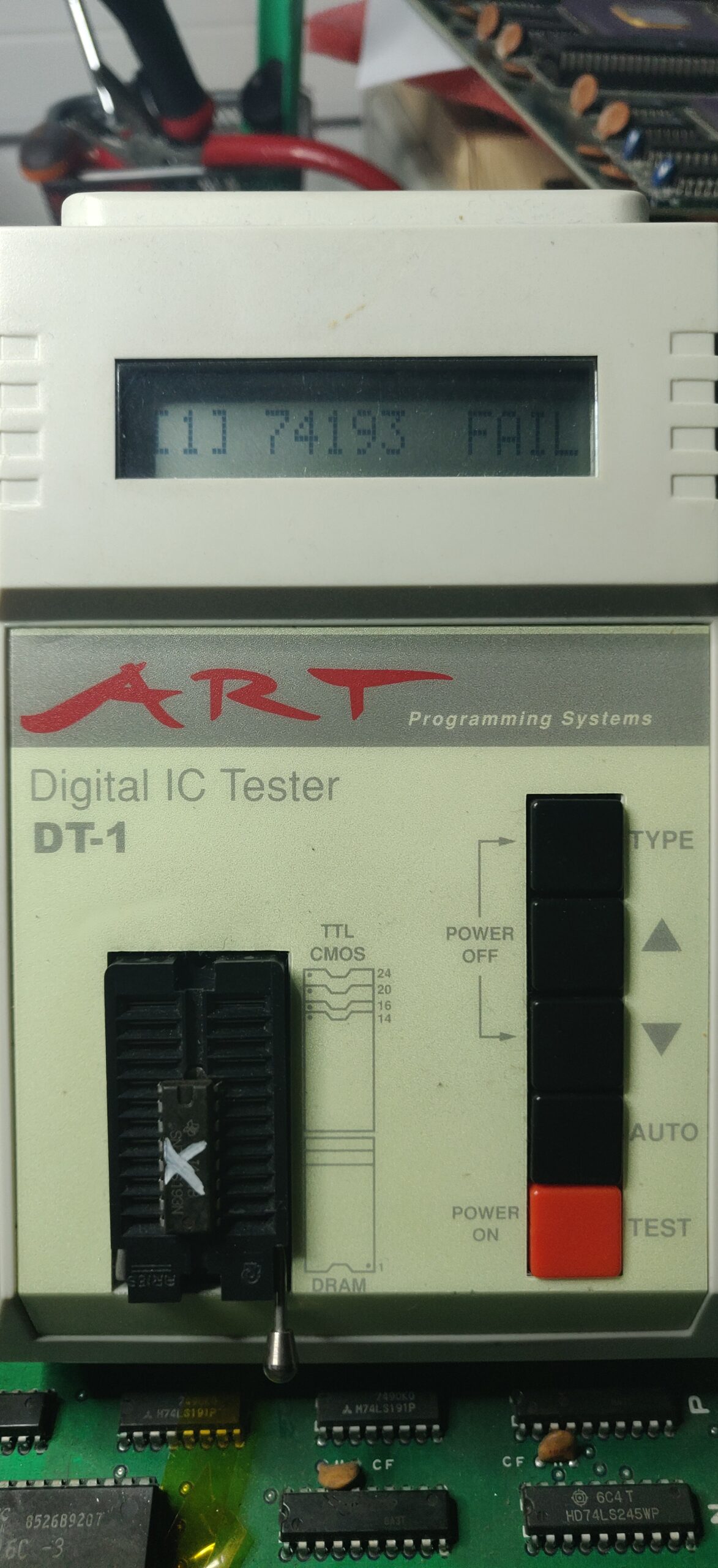
According to Ray Carlsen this can be caused by a dodgy 7406 IC and he wasn’t wrong.

I checked all the states of this chip with a logic probe and all seemed to be as it should be so I went through each gate with a logic pulser and checked for its output. The outputs on pins 4 and 6 were stuck.

Removed the chip and eventually found one on a C64c motherboard that was scrap.
Replaced and tested with a demo and a couple of games.

I also took this opportunity to try out the VIC20 JiffyDOS (PAL).
My original test with JiffyDOS on this failed, nothing would load up. Turns out there is an NTSC and a PAL version, the later being significantly harder to find but we got there in the end.

Jumping repair log

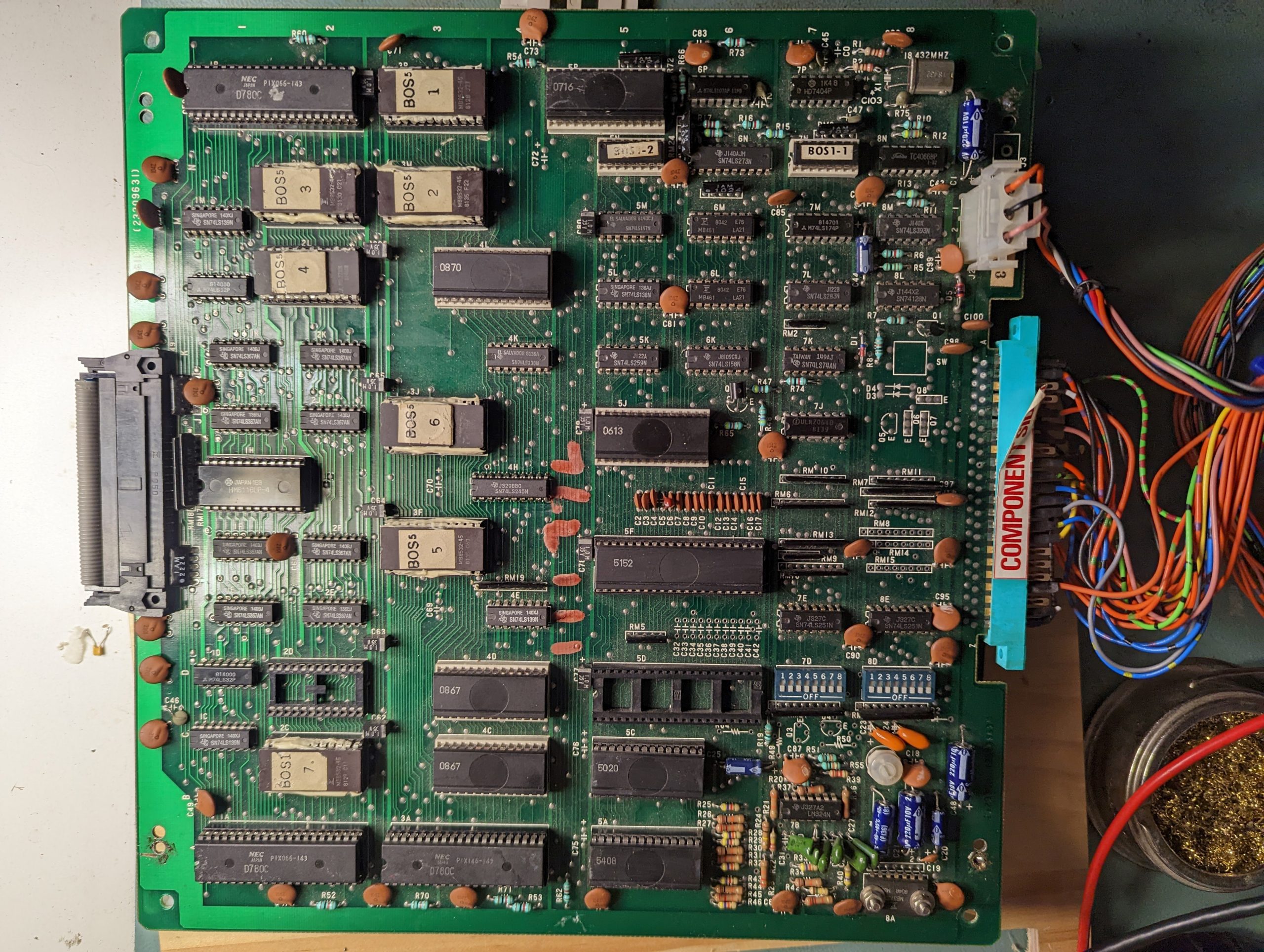
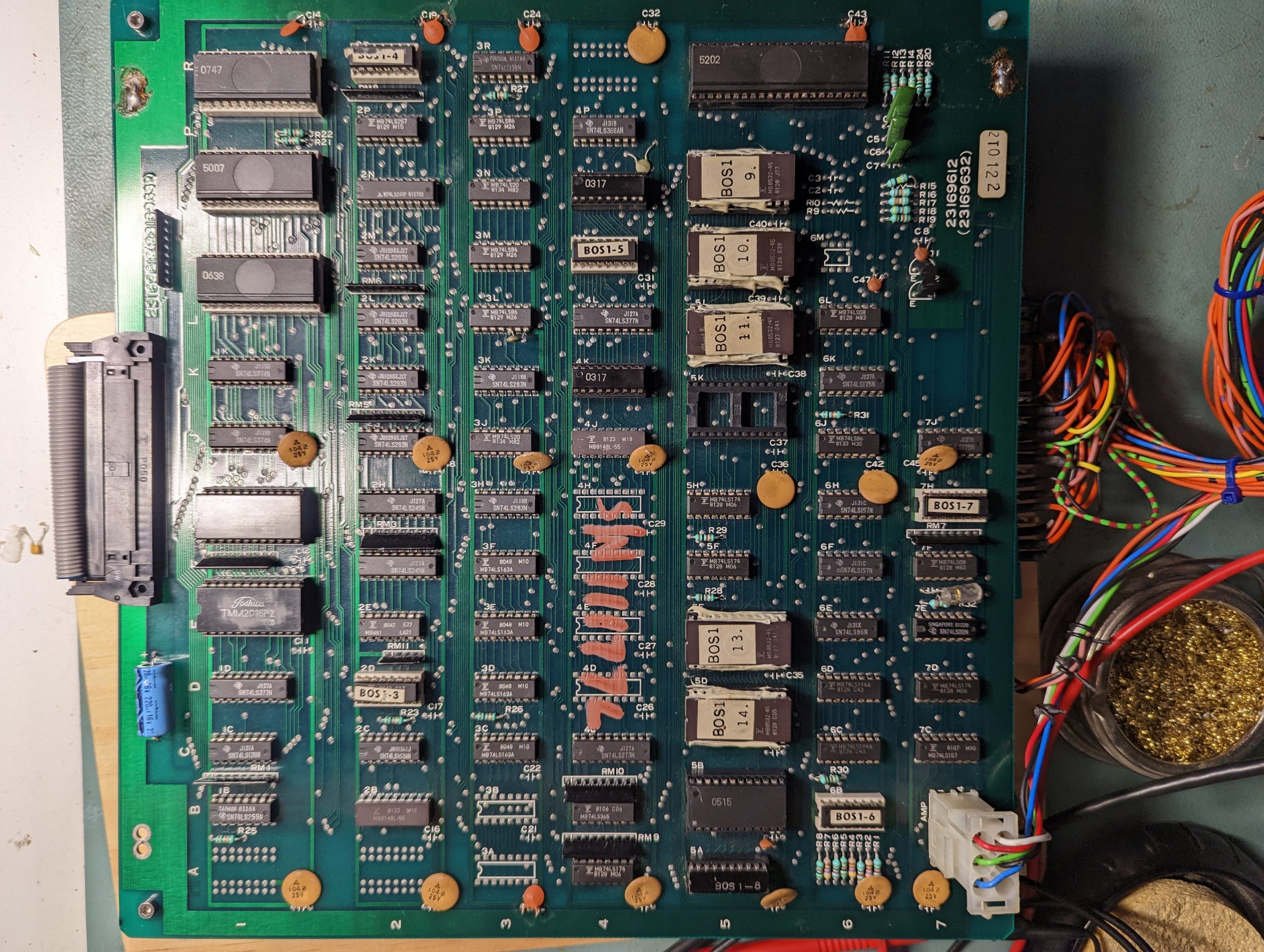
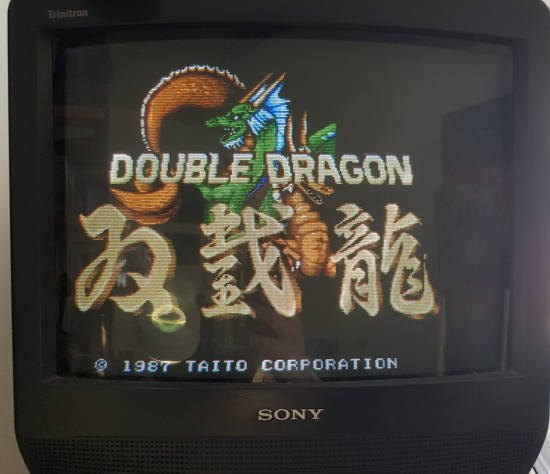
Got this Rainbow Islands bootleg yesterday.
The game worked when I tested but was told about a dodgy ribbon connector before buying it so decided to take a look. Not sure what happened after that but the board refused to boot.
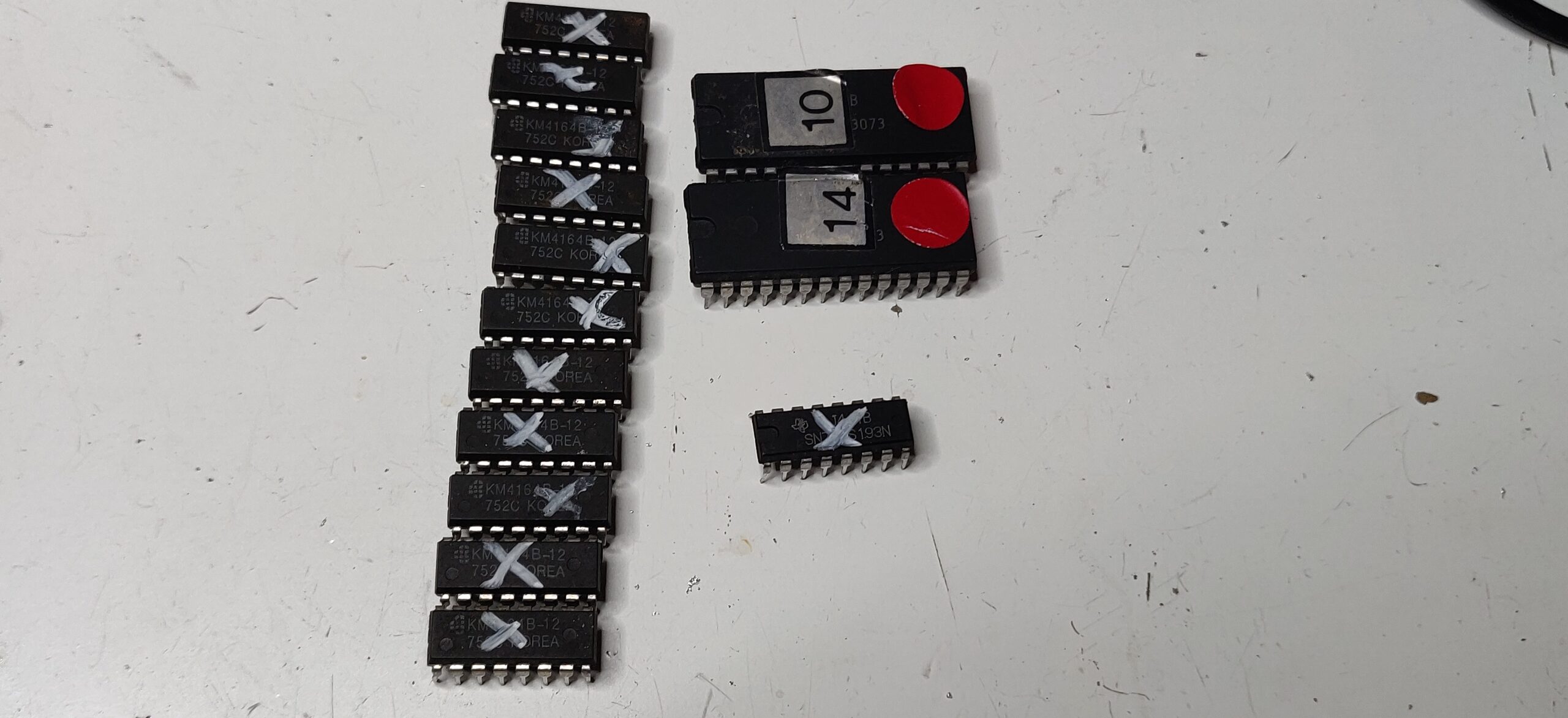
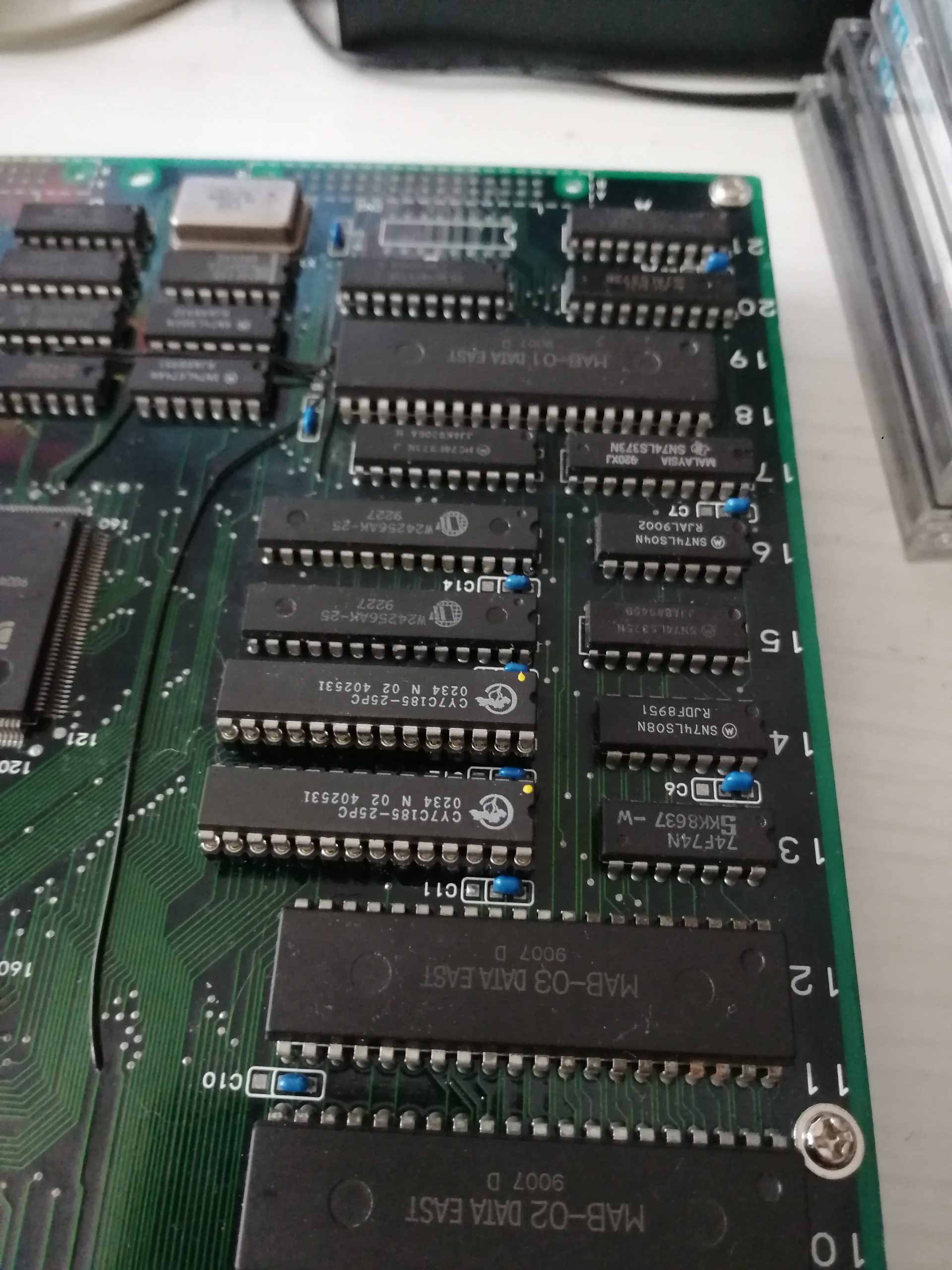
After finding a few stuck address lines I decided to check the program ROMs. Found 3 that would not read properly so I replaced them.
In MAME it lists 2 of the program ROMs as being from the genuine Rainbow Islands set but these are double the size so needed to be split into 2 files and burned to 27512 EPROMs.

Probably worth mentioning that if you use the older 2005 ROMIdent program then the dumps from Jumping actually show up as 2 seperate ROMs. Must have been like this at one time.
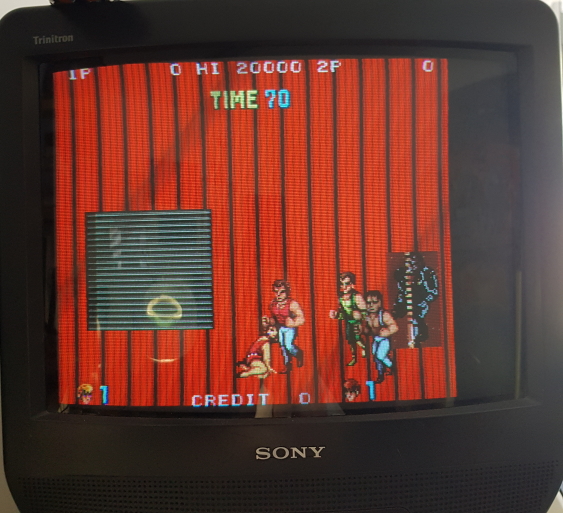
Booting up now gives me a screen of garbage

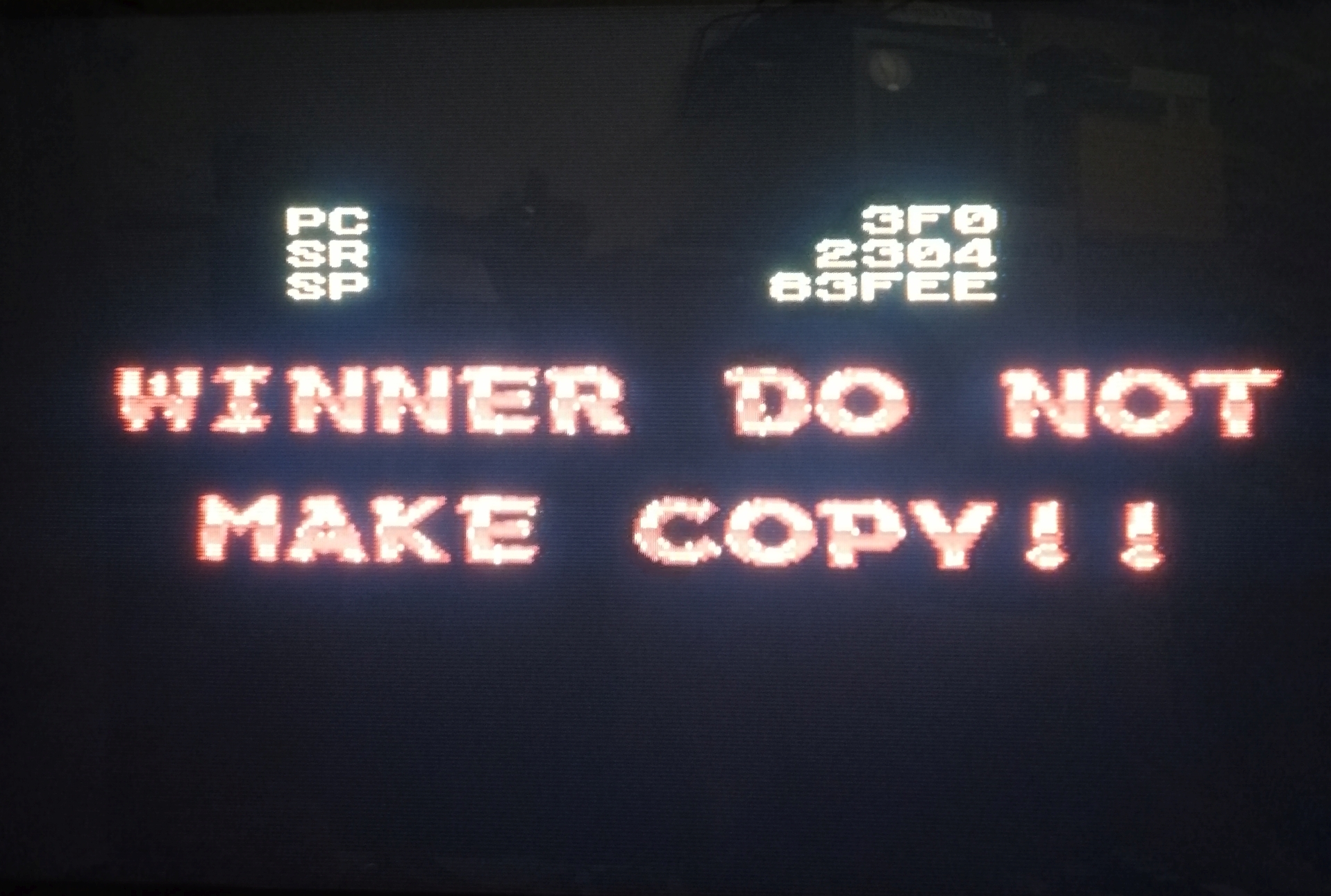
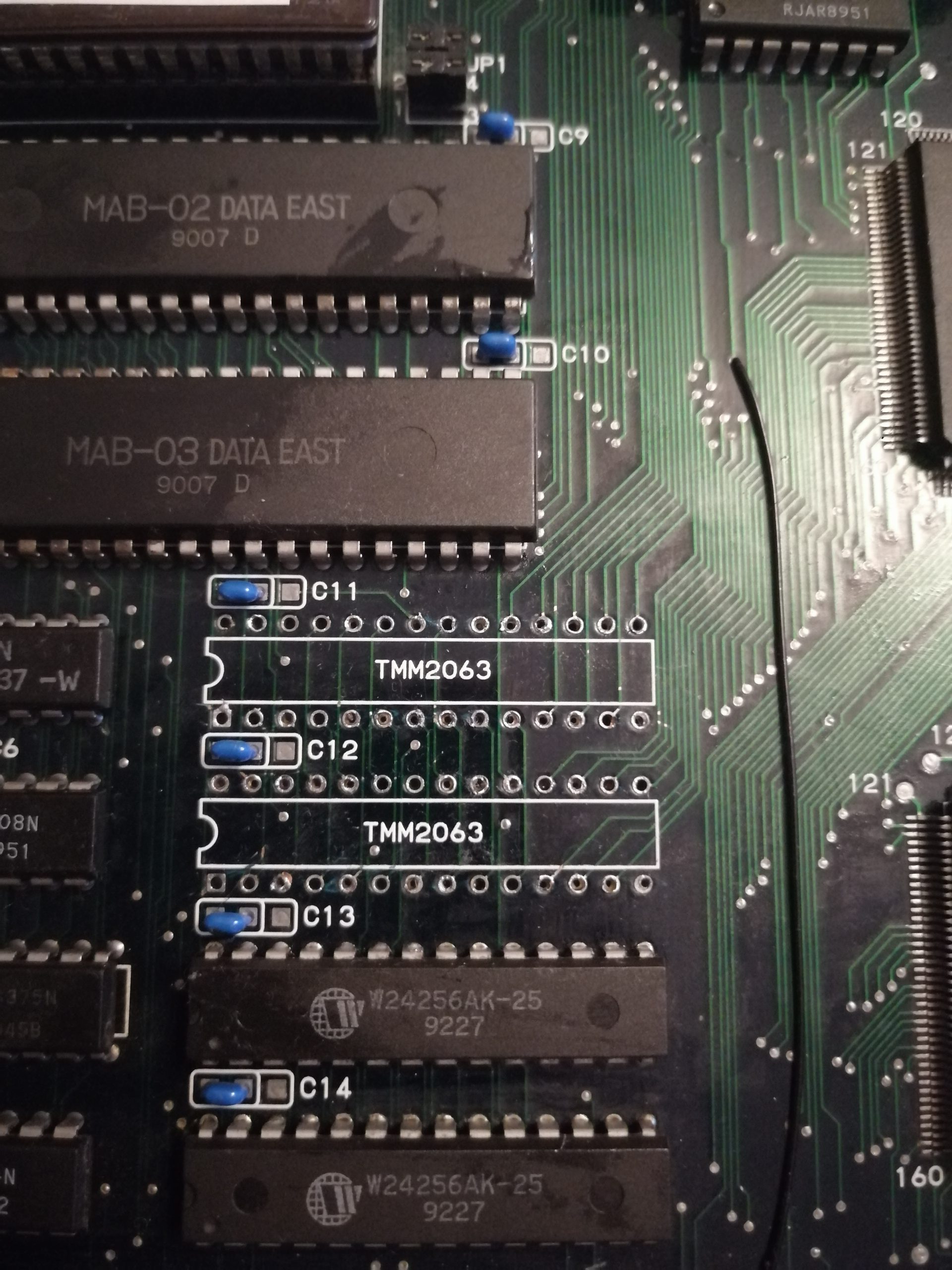
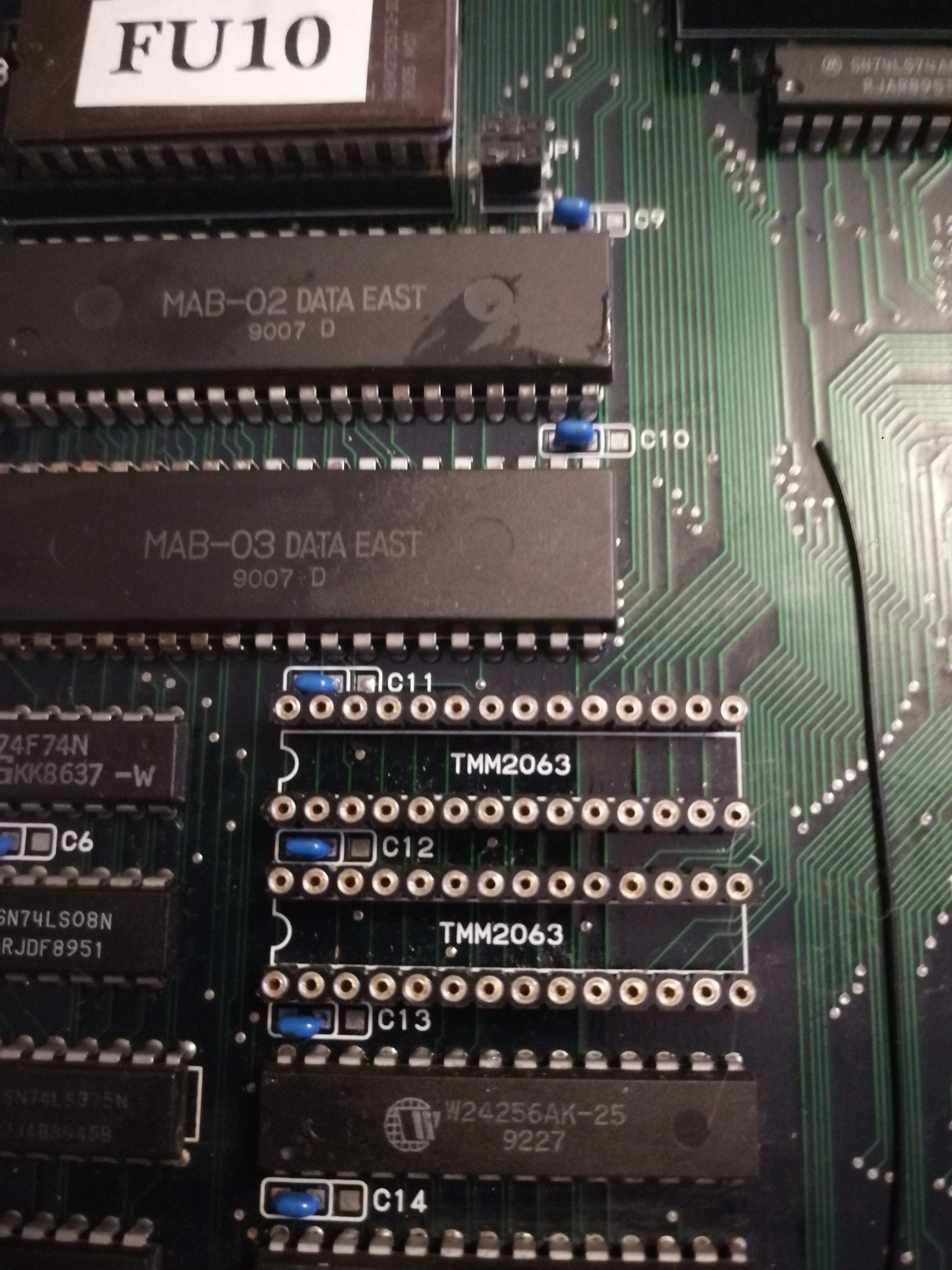
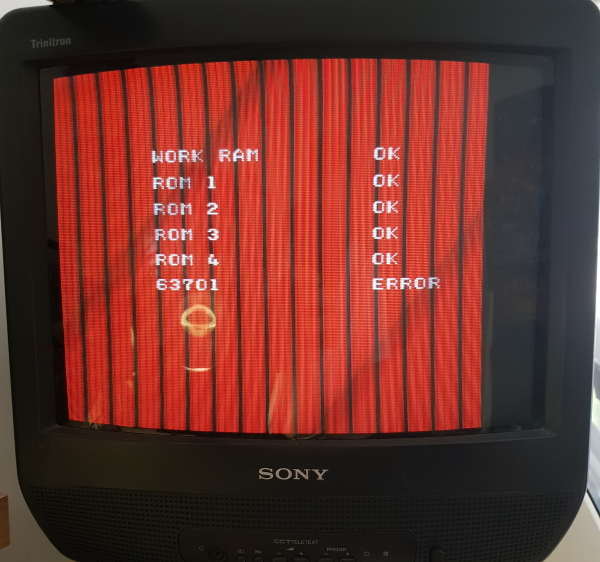
Every now and then I could make out a “SCREEN RAM ERROR” message. The screen RAM is located on the second board and suspected this is what happens when the ribbon connector got a bit wrong but couldnt get the game to boot again no matter what I did so I decided to socket the 68000 cpu and see what was going on, kinda wish I hadnt now as I got this

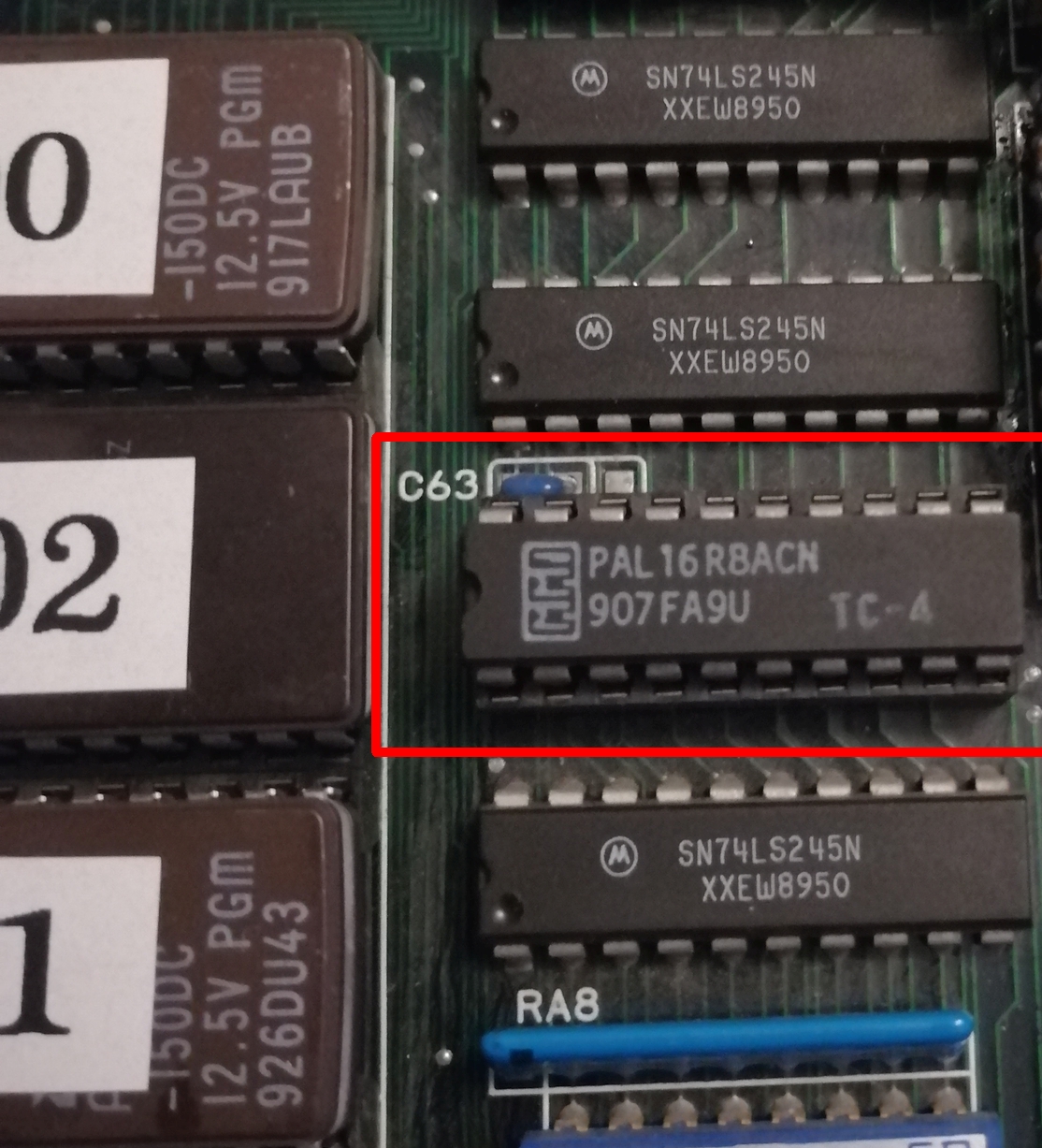
Accepting the error just kept flagging more “tied bits” errors. Turns out this was a red herring as these lines are controlled by a PAL20L8 chip and everything passes if this is removed. Wasted a little bit of time on this.

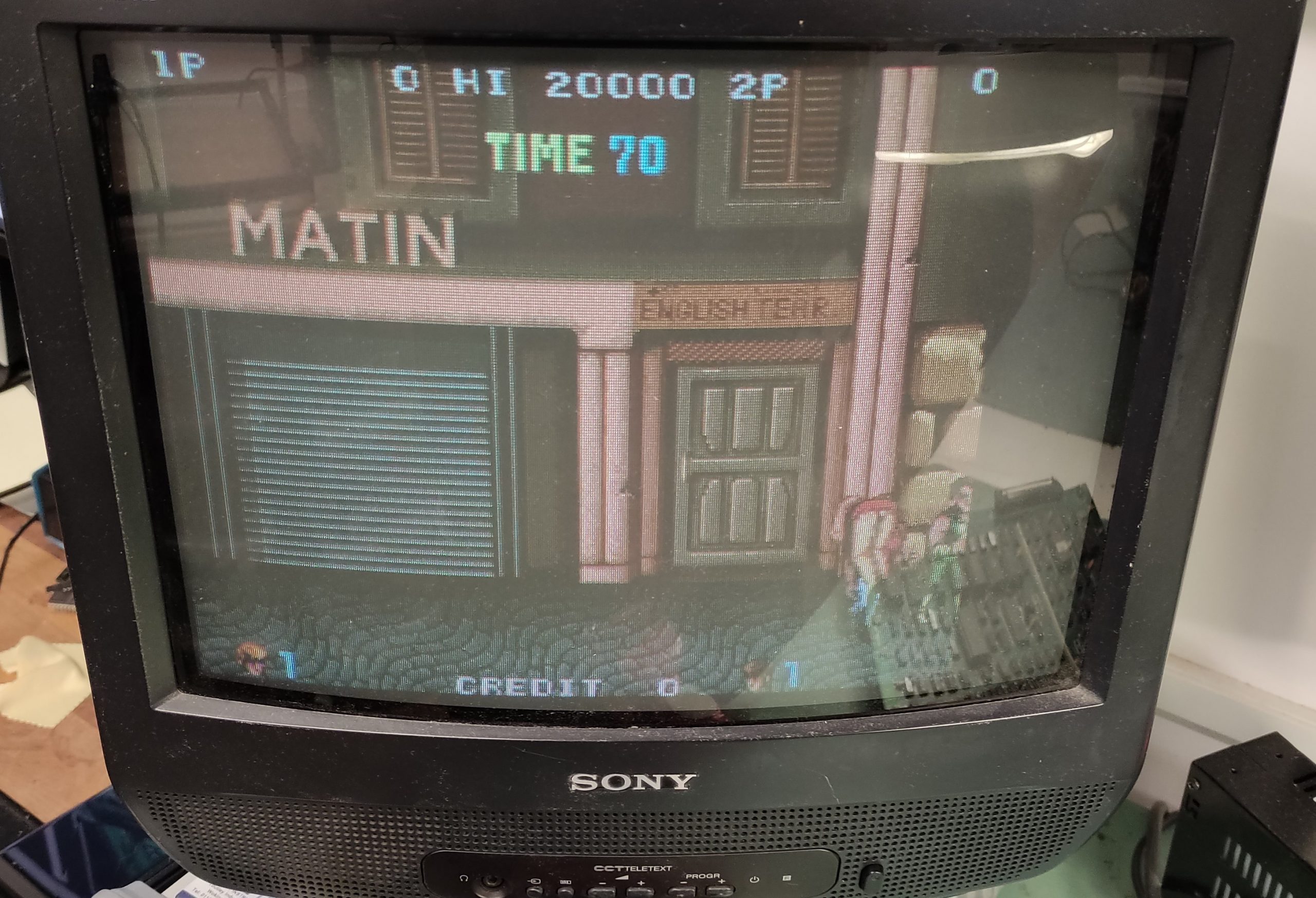
After taking a careful look at the connector it turns out the plastic housing that holds the ribbon cable in place was damaged and this allowed the ribbon cable to come away from the pins. I properly reseated the cable and tested, the board now fires up in all its crazy bootleg glory

The game plays pretty much like Rainbow Islands does but some of the sprites and names are different and I think the secret rooms dont work too well.

This game has 3 PAL chips on it, unfortunately all are security locked and I am only able to read 1 of them (might be able to read the one on the video board but never tried).

Amiga 4000 repair log

Its been a good week for repairs this week. Got Jimbob’s Amiga 4000 here which would constantly reset with any RAM in bank 0 and would not detect any RAM at all with bank 0 empty.

The board has had some repair work done before but its been done to an excellent standard. The new SIMM sockets looked flawless so that was my first suspicion down the pan. I checked the on board battery which was showing the first signs of “furring” on the contact. The battery was completely dead so I replaced this while I had the board out. There doesn’t look like there has been any battery leakage but I cleaned up the area anyway just in case.

With a bit of internet searching and a bit of probing I found a knackered 74F245 transceiver at location U891. I ordered some up and replaced it.

Fired up the unit and checked the free RAM

Played a game of Blood Money for good measure.

ZX81 repair log

At the RCM weekend I met up with SirMorris and a guy called Andy Rae and was introduced to the crazy world of the ZX81.
Andy was demonstrating his ULA chip replacement which has the ability to double clock the old 81 and the results were really impressive. After a quick chat I managed to secure one of these ULA chips for myself and quickly set about eBay looking for a cheap ZX81. I eventually got one for £6 which was untested but we all know that means its knackered, and it sure was.

I powered the little machine up and was greeted with nothing on screen.
Straight away I could smell something was not quite right, the Z80 and the stock ULA were roasting. I removed both of them and fitted sockets. At this point I thought it wise to check the voltages on board just in case. Everything was fine.
I fitted a brand new Z80 and the new ULA chip.
The new ULA also outputs a nice composite signal and the mod to utilise this is the same as for the ZX Spectrum.

Still nothing.

As there is not a great deal on the board it was a little pleasure to work on. Rather than removing the ROM and making an adapter up to read it I opted to use the Fluke 9010.

From here I performed a BUS check to make sure there are no shorts, all was fine. I also performed a ROM check which reads the ROM and returns a signature similar to a CRC check. As I didn’t know what the signature was supposed to be a entered a random one and waited to see what it returned in the error. The ROM on the ZX81 is found at 0000-3FFF in address space. The Fluke reported back a signature of 28A8. Using the sigcalc program from Quarterarcade I was able to verify that this was a match for a ROM marked as ZX81a.rom in my collection of BIOS files.

After that I set it off doing RAM checks. The RAM is located at 4000-43FF in address space. This quickly brought up a R/W error, accepting this just kept bringing up more errors right the way through all the address space. Desoldered both of the 2114 RAM chips, fitted sockets and some working RAM.

The ZX81 is now alive once more

As expected this also needs a new keyboard membrane.
Now its probably time to get a ZXpand unit and also wire in the new enhancements of the ULA. Fun times ahead for me!

Commodore 128 repair log

Got Stiggys C128 here that showed the same problem as I encountered with mine. The system was in monitor mode all the time and printed DSAVE over and over.
Fault fixed by replacing the CIA at location U1

Apple IIe repair log

After the recent RCM open weekend I returned home with a boot full of broken stuff, one of which was Panthers Apple IIe which displays garbage on screen at startup.

Originally thought it might be a power supply issue but all voltages checked out fine.
Next step, check the ROM’s.
This version of the Apple II can take a 27C64 EPROM as a direct replacement so I just burned a new set of ROM’s and tried one at a time. The first one I changed was 342-0135 which is the “unenhanced CD” ROM. Replacing this actually fixed the fault.

Pressing CONTROL+OPEN APPLE+CLOSED APPLE+RESET invokes the self test routines. This came up with KERNEL OK which is correct.

I don’t have any software to test this any further but I ran a small basic program which worked fine.
My only problem was the DELETE key prints a character rather than deleting anything but since im not familiar with this system this could be right, doubt it though.

EDIT: Confirmed that the delete key does NOT actually operate as delete in the BASIC environment, apparently the key is programmed to be a delete key with certain applications.

Pocket Gal bootleg repair log

Another decent fella from a forum was giving this board away for the price of postage.

Its been a bit quiet lately on the repair front so thought id give myself something to do. Ended up being a really quick and easy fix.
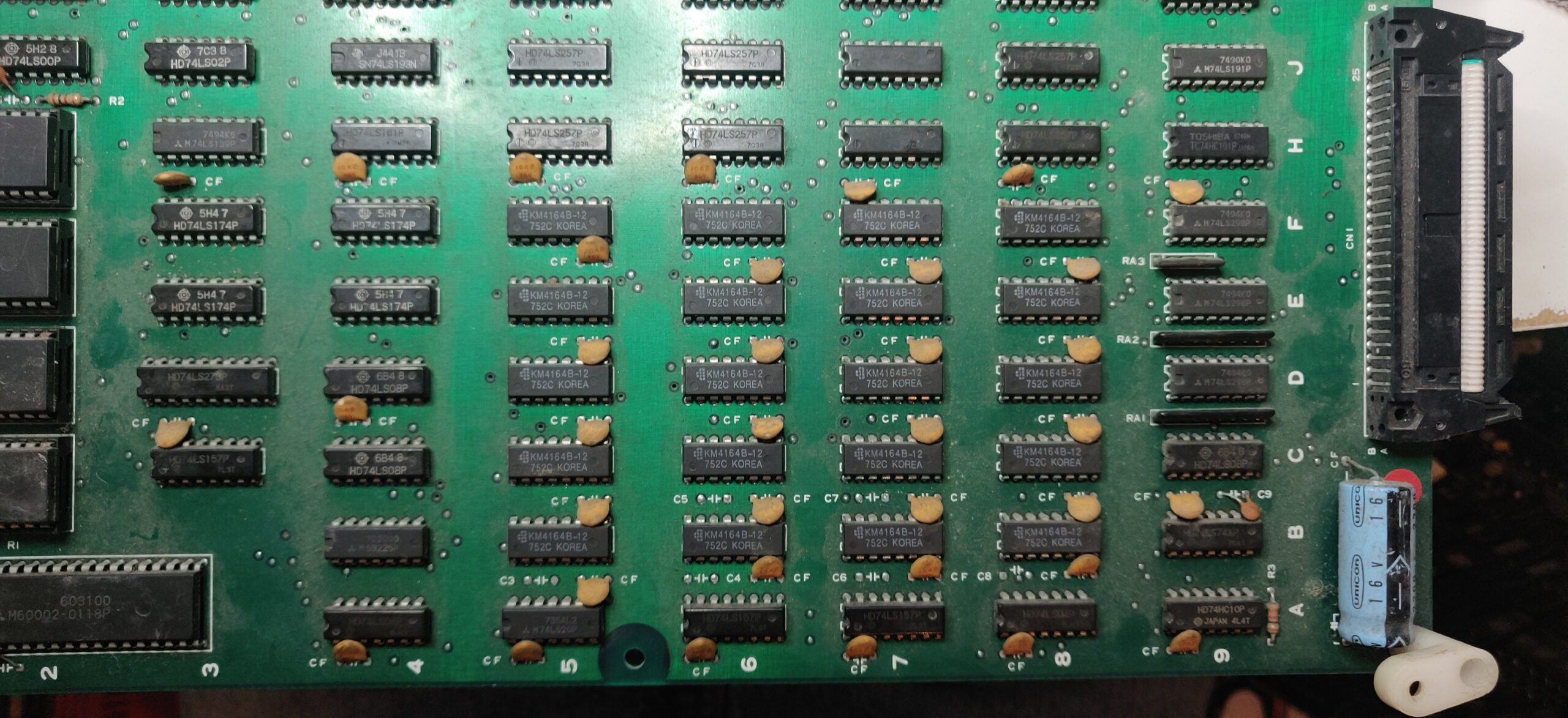
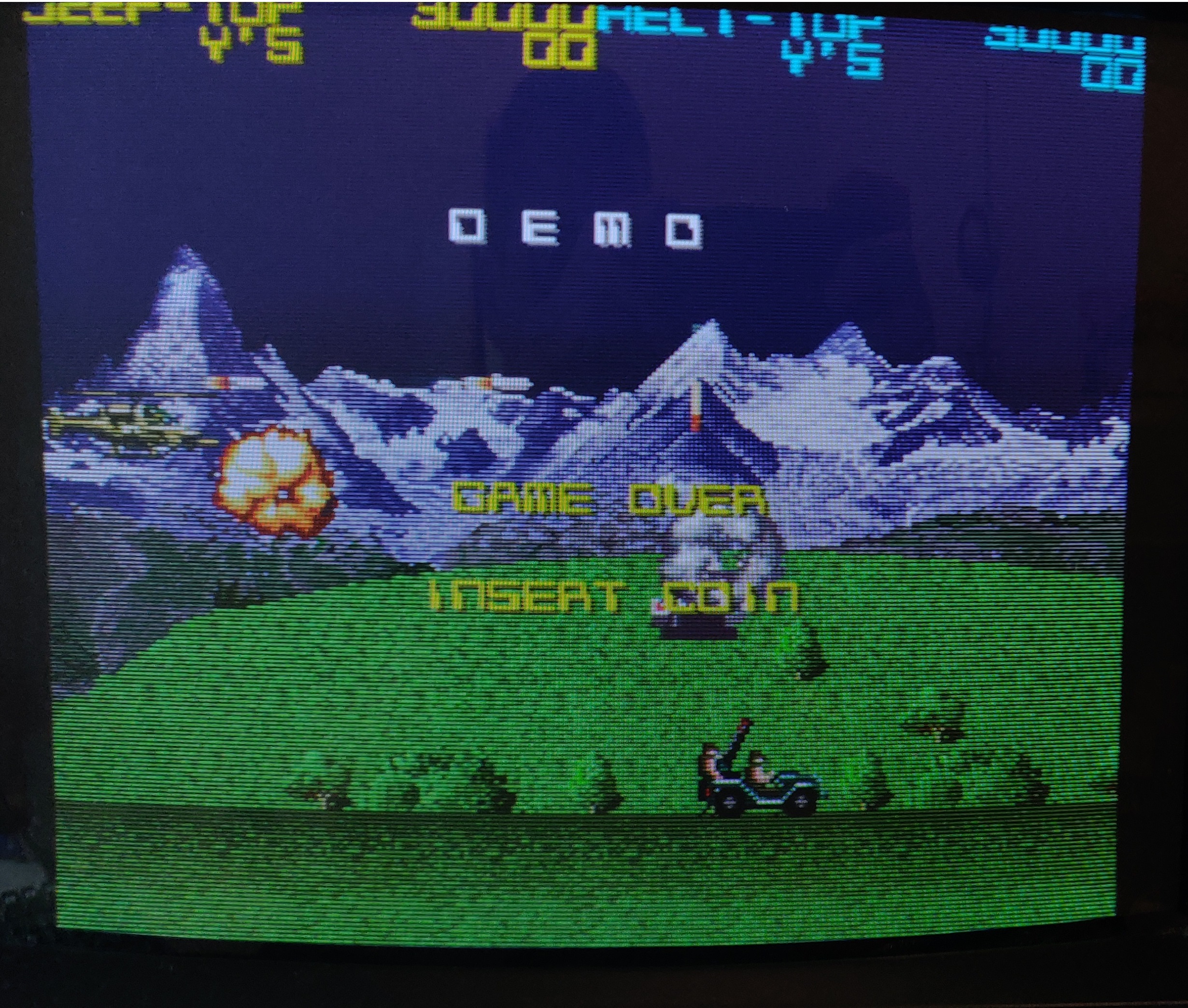
The game booted up and all the sound appeared to be there, it would even coin up but the game could not be started.

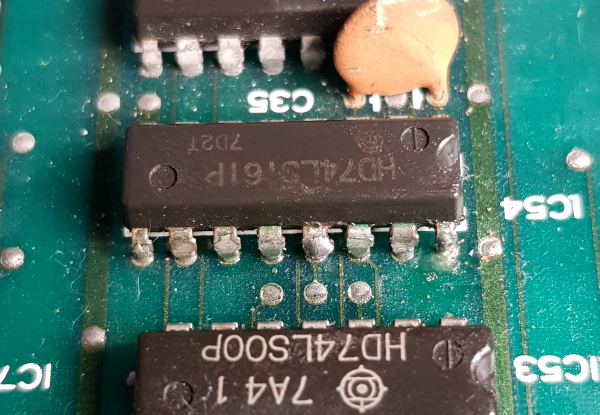
Checked pin 17 at the edge connector (Start button) and this was HIGH and it toggled LOW when the start button was pressed. Traced this through to a nearby 74LS245.
The direction pin (1) was held low connected to ground and because the ENABLE pin was pulsing it was pretty difficult to see if the inputs on the B side of the Bus were making any difference to the A side outputs. I piggybacked a new 245 onto it and the game could now be played. I desoldered it and replaced the chip, all is now working. Shame the game is utter crap!

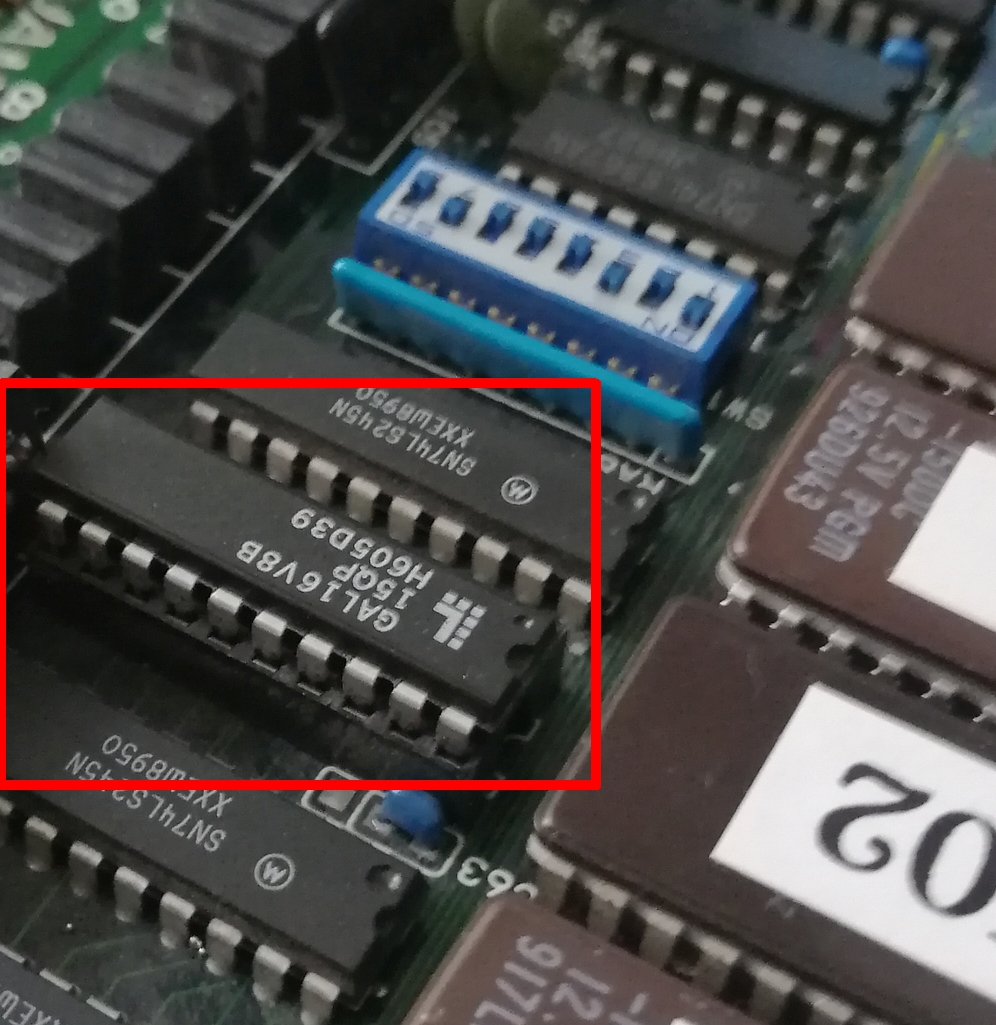
I also took the opportunity to dump the unprotected PAL16L8. Ive converted it to GAL and tested it. There is a PAL16R6 on there too which ill get around to doing sometime but the board is of typical bootleg quality and a bit of a pain.

ZX Spectrum repair log

The second of the ZX Spectrums I got recently, which is motherboard only, gave absolutely nothing on the screen
Replaced the usual ZTX650 for a ZTX651 and the one next to it which is a ZTX213.
This one also had the capacitor above them missing. Replaced this for a 4.7uF 50v one and tested.

All working again

ZX Spectrum repair log

Got myself a broken ZX the other day and it arrived with a spare motherboard. The spare is a later revision so I started with that one.
This is my first Spectrum repair so was a little unsure where to start.
This started up with garbage on the screen in the form of many vertical lines.

As the Z80 was socketed I tested that. Failed and replaced.
Looking around the board I saw a transistor that was a little damaged. Removed TR4 and it was shorted internally. It is a ZTX650. I robbed one off the other board and fitted it.
The Spectrum now works but the picture is really really bad quality.
The keyboard also doesn’t function properly, half of the keys don’t work. Ive read the keyboard membranes are usually shot so ill have to order one up.